There are 3 parts to this process. First, navigate to the Overall Grade Calculation Details page. Second, choose Weighted Total. Third, Apply weights to items.
Navigate to Overall Grade Calculation Details page.
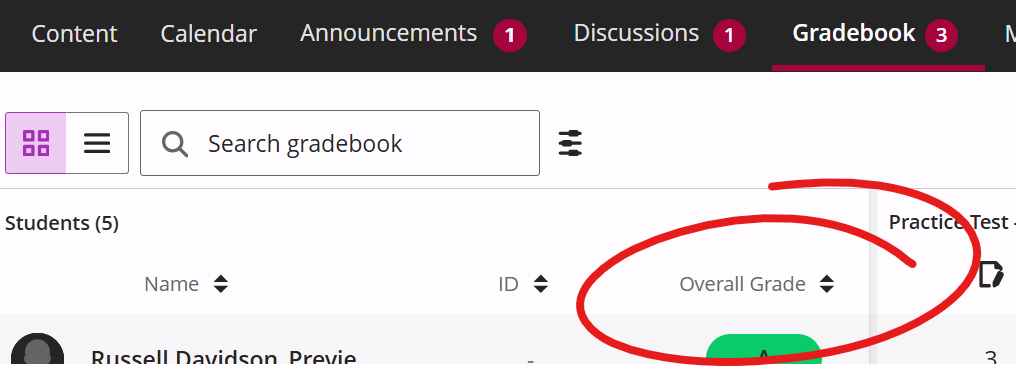
There are a few ways to get to the Overall Grade settings page. The fastest is to click the Overall Grade heading in the Gradebook spreadsheet view. To get to this page:
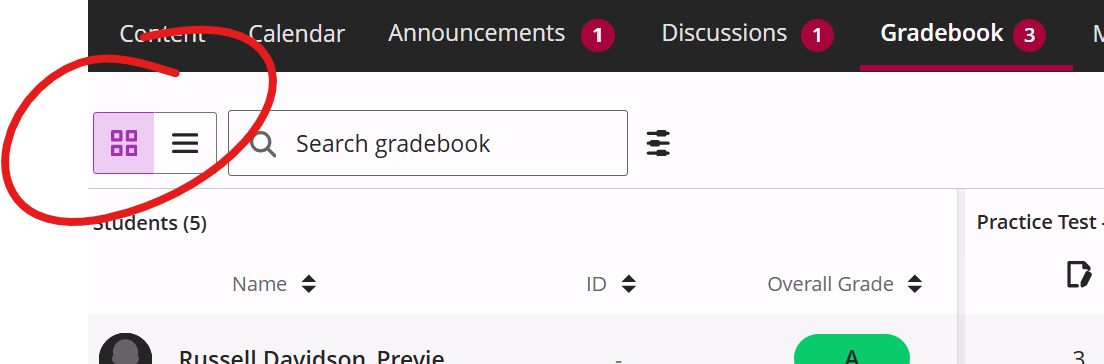
- Click the Gradebook tab at the top of your course
- Click the Grid icon in the upper left, if not already selected
- Click the Overall Grade heading
That gets you to the Overall Grade Calculation Details page.
Apply Weights