The process for recording webcam video on your PC is the same as the process you'd follow on your phone: Open the camera app, make sure you've got the right camera selected, switch from still picture to video, and hit RECORD. Video is automatically saved to the Pictures folder on your computer, in a Camera Roll subfolder.
To do this:
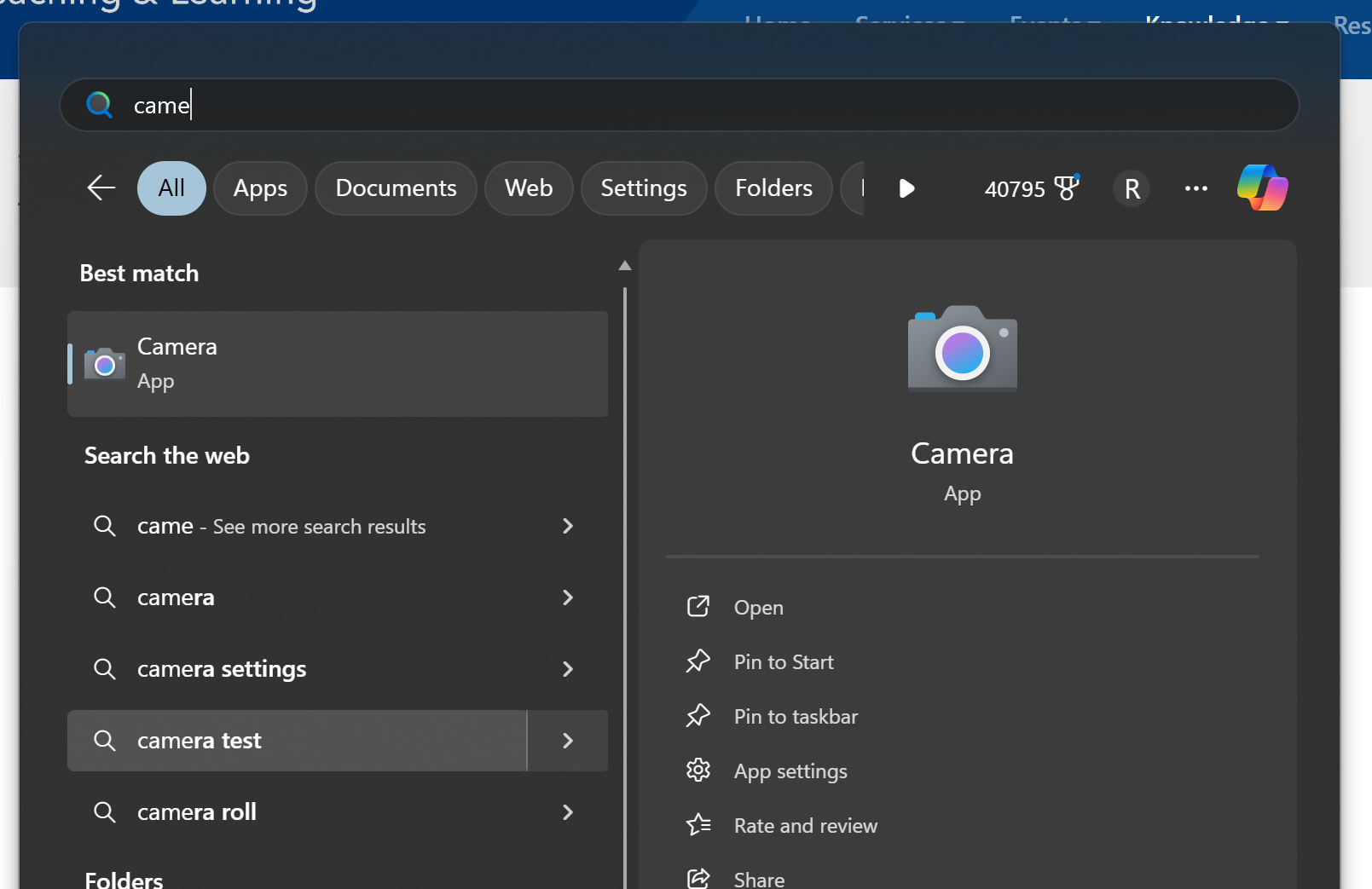
First click the WINDOWS button on your computer (either on your keyboard or on your screen). Then type "camera" (no need for the quotes). As you type, the camera app will show up in the search results. Hit enter on your keyboard to launch the camera app.
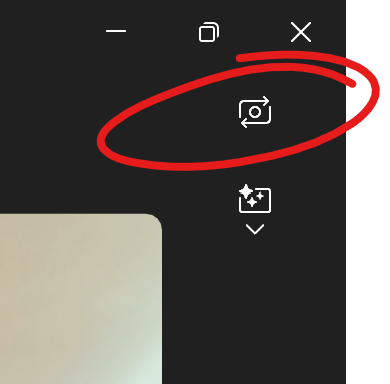
If you need to swap front-facing or rear-facing cameras, click the camera switch button in the upper right.
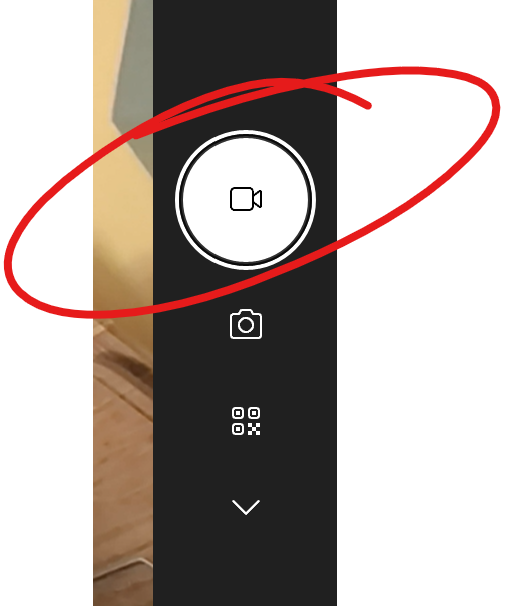
On the right, click the VIDEO button to select video recording (rather than take a still photo), then click again to start recording. This is also the button you'll click to STOP recording.
You'll find your recording in the Pictures Folder in the Camera Roll folder.