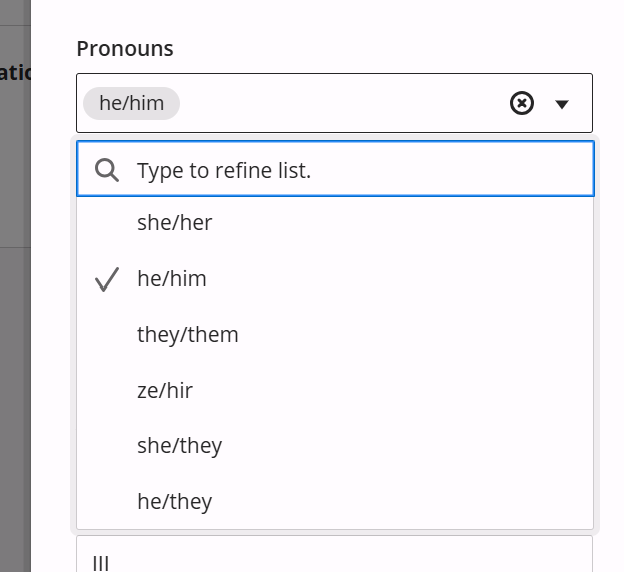
Adding your preferred pronouns to your Blackboard account lets your professors and peers know how to refer to you appropriately. To set this:
First log into Blackboard.
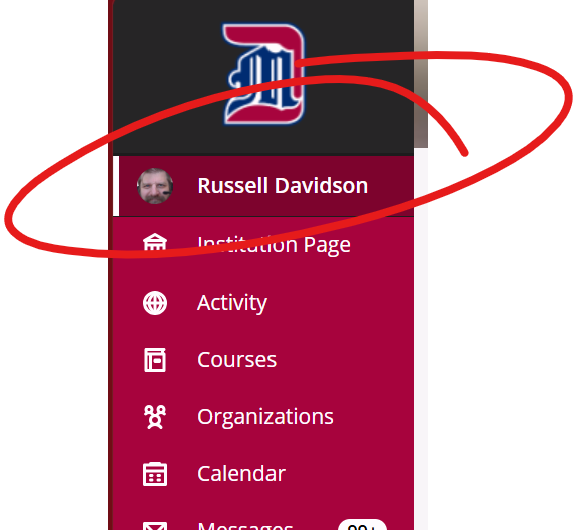
Click your name at the top left, in the red menu, under the Detroit Mercy logo.
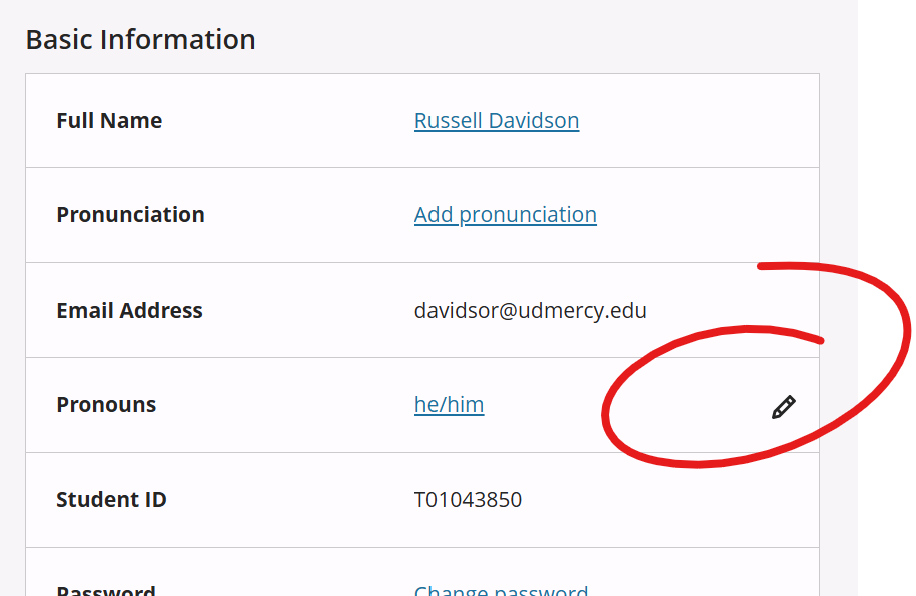
In the Basic Information block, click the pencil icon right of the Pronouns item.
This will open a panel on the right with a list of your basic information. Some of the items on this list can be edited, some are imported from your Detroit Mercy portal. To change your pronouns, select the appropriate combination from the list.