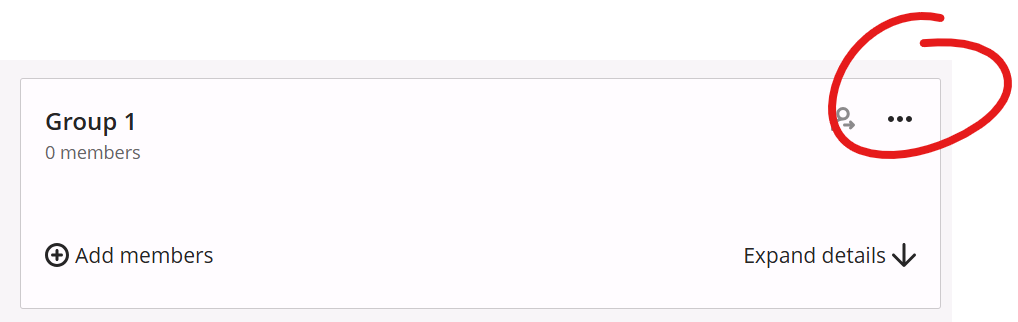
To enter or edit a group name and / or description, click the "..." button in the top right of the group box, then choose GROUP SETTINGS.
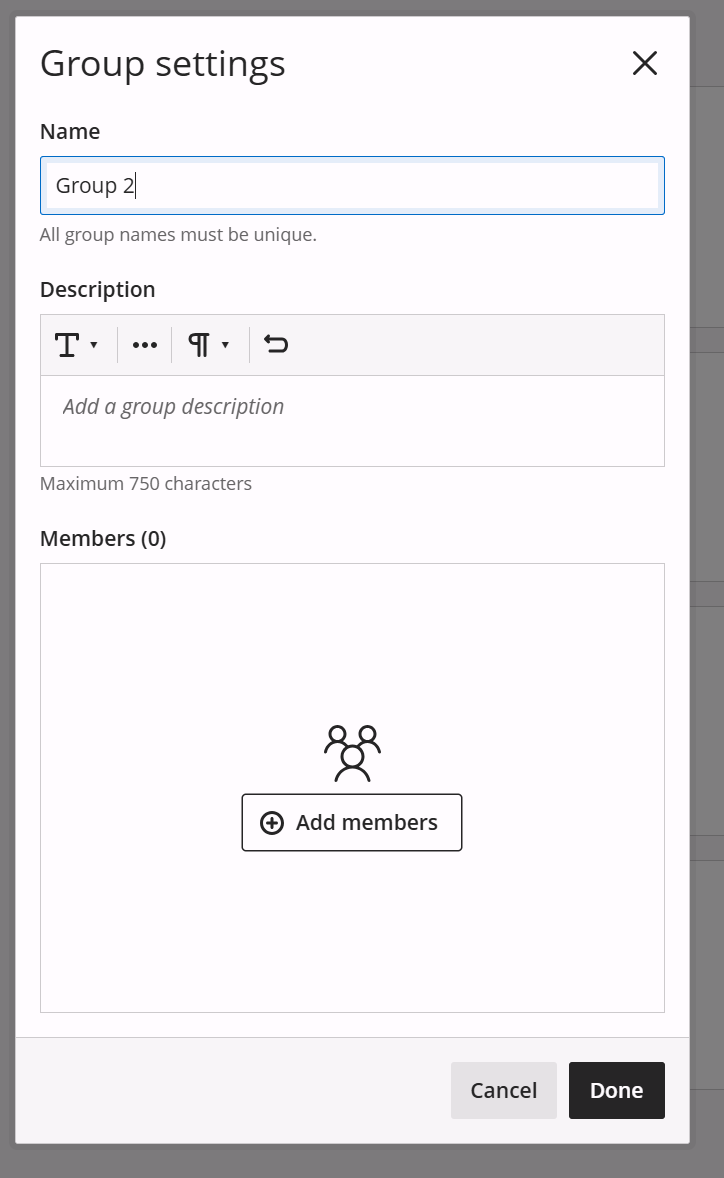
This will open an overlay window where you can enter or edit the group name and description. You can also click the ADD MEMBERS button to add folks to the group.