The process for recording webcam video on your Mac is different from recording a video on your phone or tablet. You will open the QuickTime app, select File > New Movie Recording, choose the correct camera and mic(built-in or external), record, and save.
To do this:
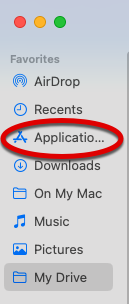
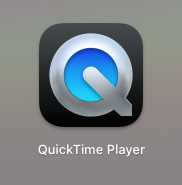
First click the launchpad in your dock or open the applications folder in your finder. Double-click to then open QuickTime (this comes installed on all recent Macs).

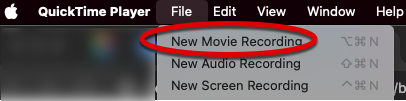
A finder window will automatically open. Ignore that and instead go to the File menu and choose New Movie Recording.
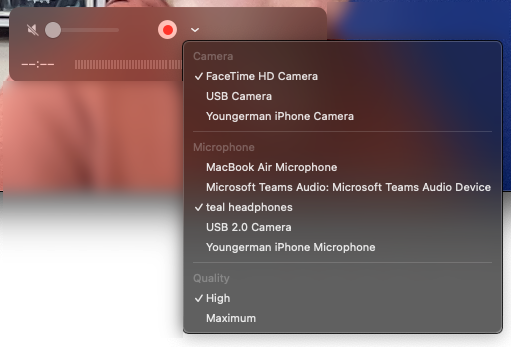
The recording window will open. If you need to change your camera or mic selection, choose the arrow next to the record button and select the proper camera or mic.
Click the red button to record and then click again to stop the recording. Choose File menu and Save. Choose the location to save this recording.